 MoneyBook
MoneyBook blog
Inside MoneyBook
Guides and deep dives on MoneyBook's features, written by the people who build it. English only.
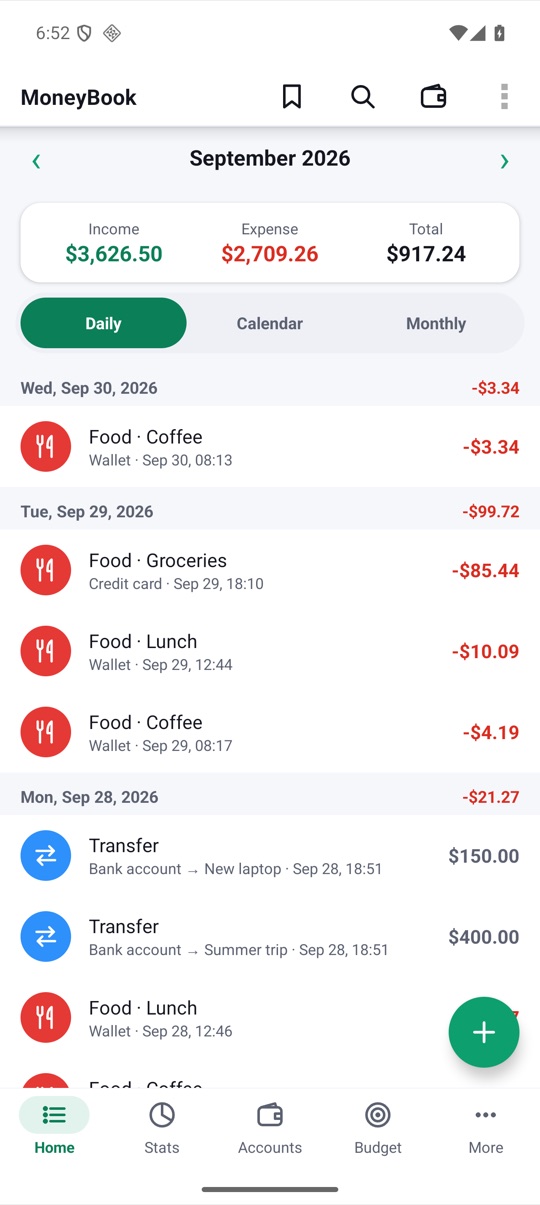
MoneyBook in 40 seconds: a feature tour on video
We made two short films, one for big screens and one for your phone. This post walks through each scene and the feature behind it.
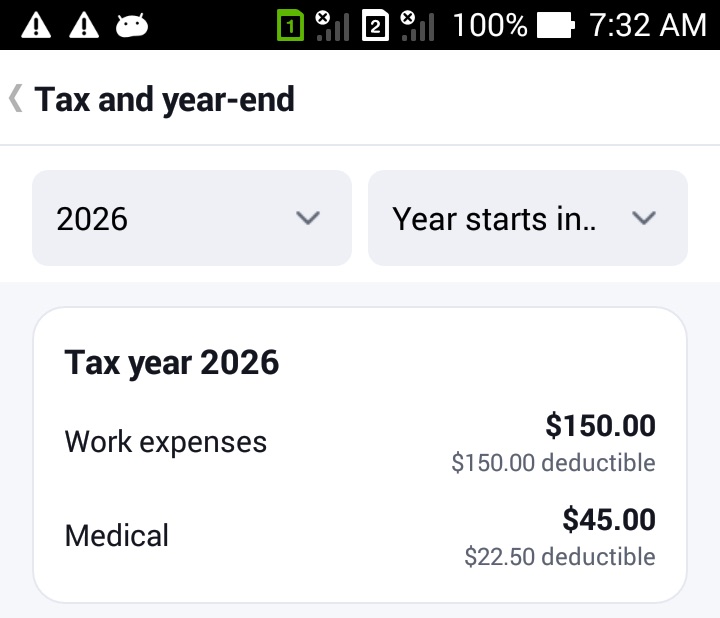
The year-end tax pack and mileage log
Tax season is easier when the year has already been sorted. MoneyBook's tax categories, mileage log and accountant pack get everything into one ZIP file.
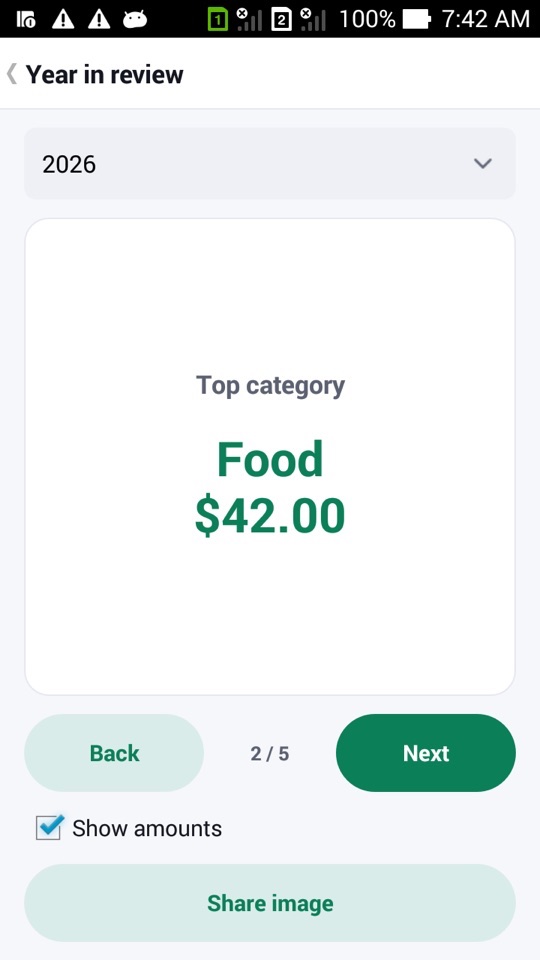
No-spend challenges, the wait list and your Year in review
Tracking money shouldn't feel like being told off. Here are MoneyBook's gentle habit tools, from no-spend challenges to a wait list that only counts real savings.
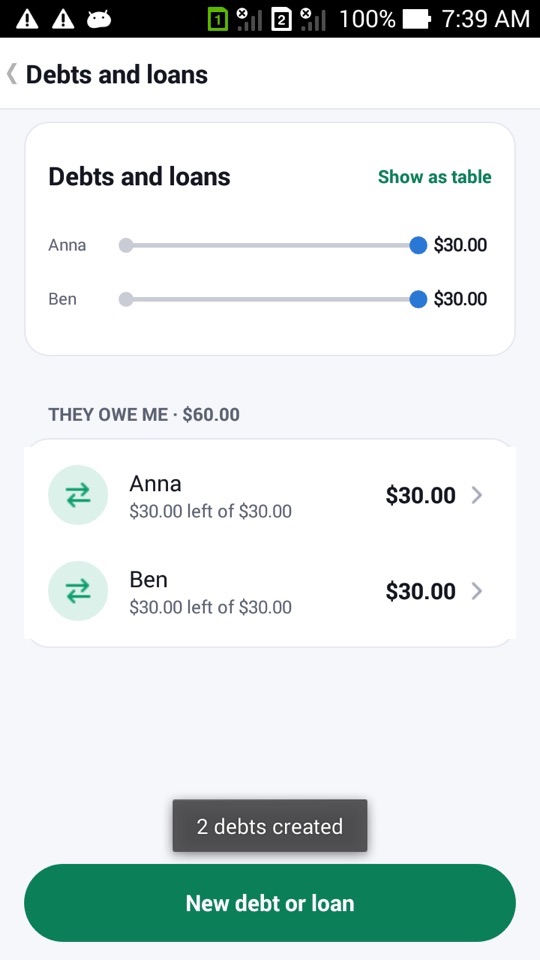
Household sync without a server
Couples want one shared money book. Most apps need an account and a server for that. MoneyBook pairs two phones once and swaps encrypted change files instead.
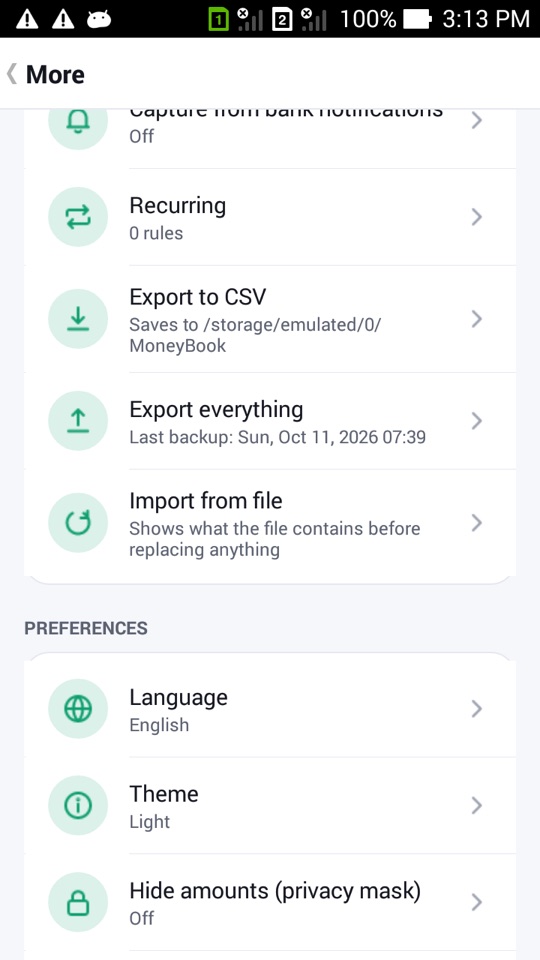
Backups you control, and moving to a new phone
With no account and no cloud, your backups are in your hands. Here is every safety net MoneyBook gives you, and how to set them up in a few minutes.
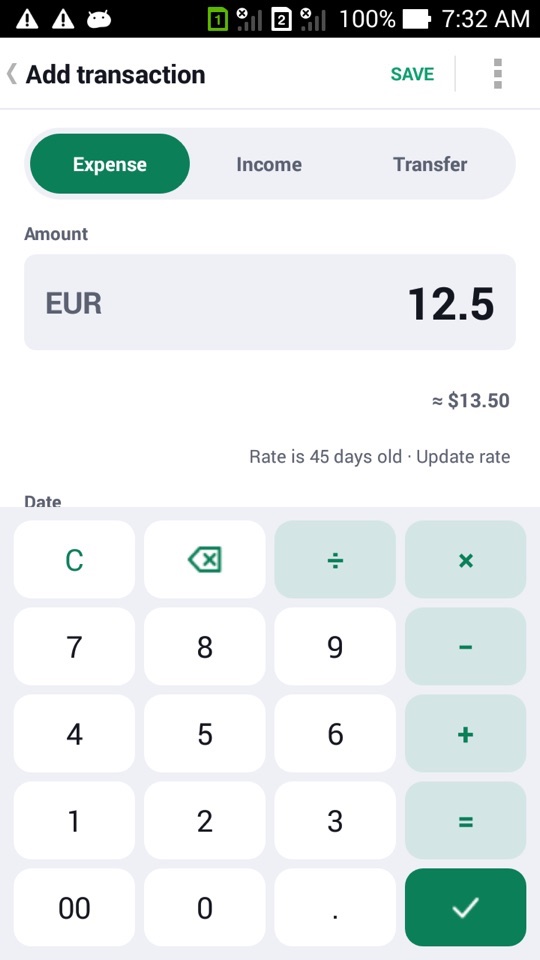
Travel cash pockets and the currency converter
The rate on the board isn't what your holiday cash cost you. MoneyBook's cash pockets track the real cost, fees included, and the converter shows home prices as you type.
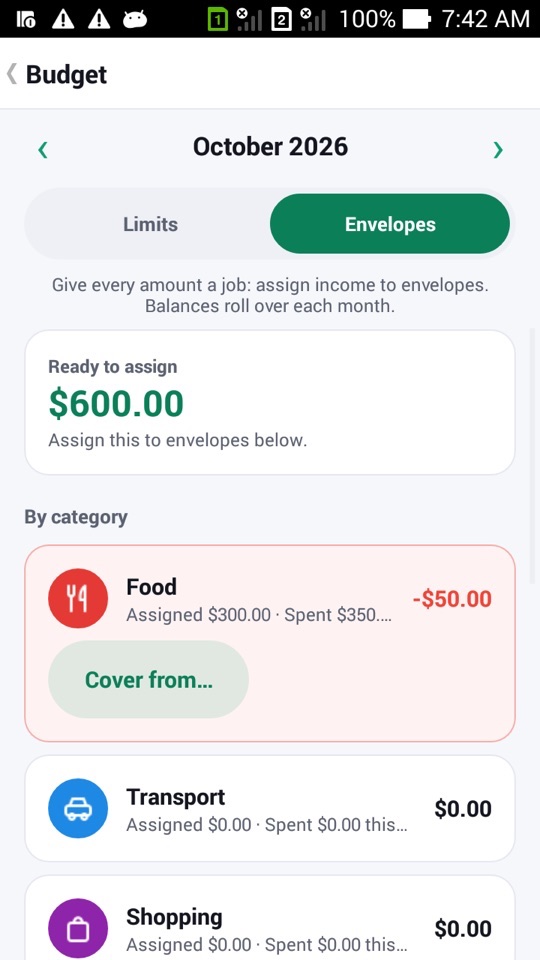
Envelope budgeting and sinking funds
MoneyBook offers two ways to budget, limits and envelopes. Here is how envelopes work, how to cover an overspent one, and how sinking funds tame yearly bills.
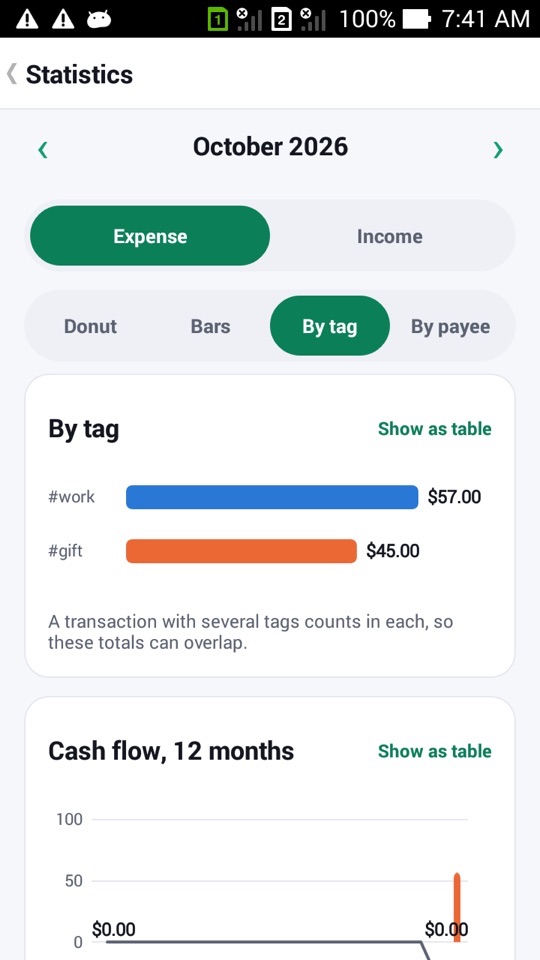
Split transactions, tags and subcategories
One supermarket receipt, three categories. A work trip that spans food, travel and hotels. Here is how splits, tags and subcategories in MoneyBook handle real spending.
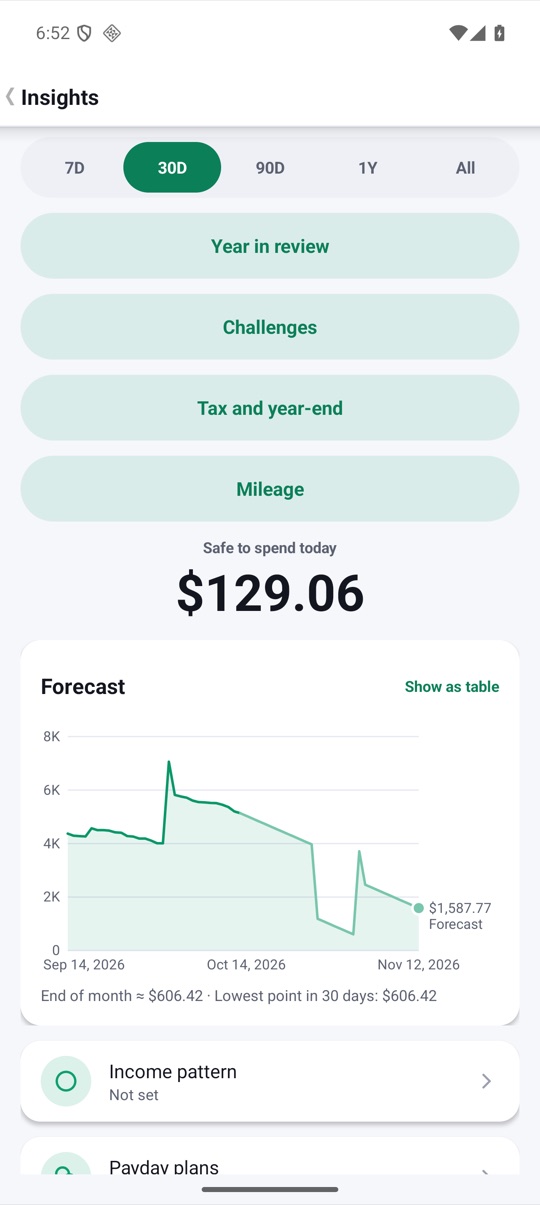
Safe to spend today and the 30-day forecast
Balances tell you what you have. Safe to spend tells you what you can use today without coming up short before payday. Here is how it's worked out.
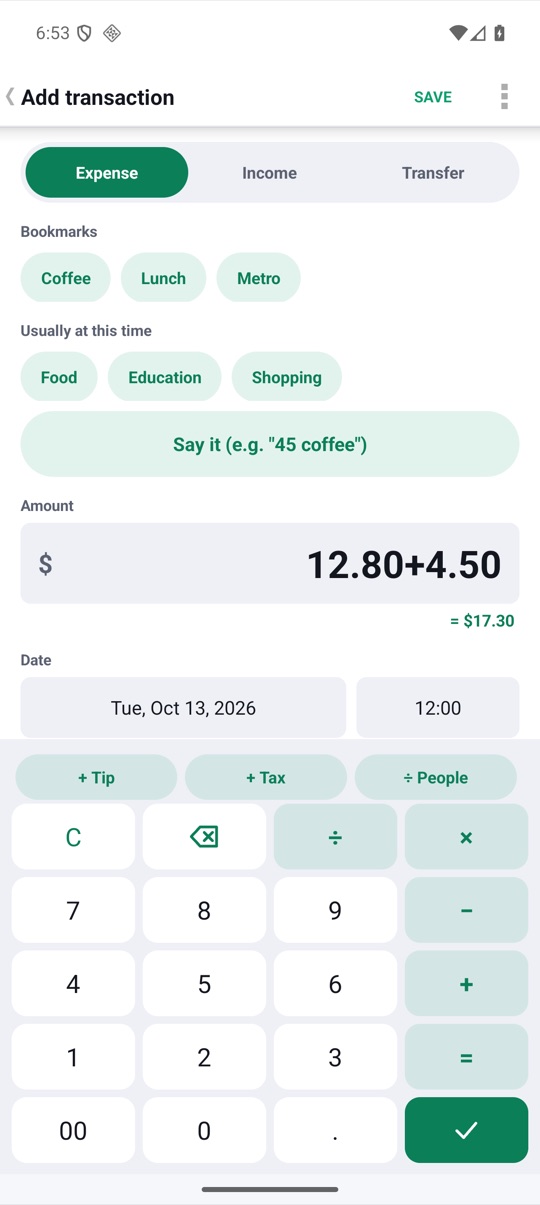
Log a transaction in two taps
A money tracker only works if logging is quicker than forgetting. Here are all the shortcuts MoneyBook gives you, from the calculator keypad to your watch.
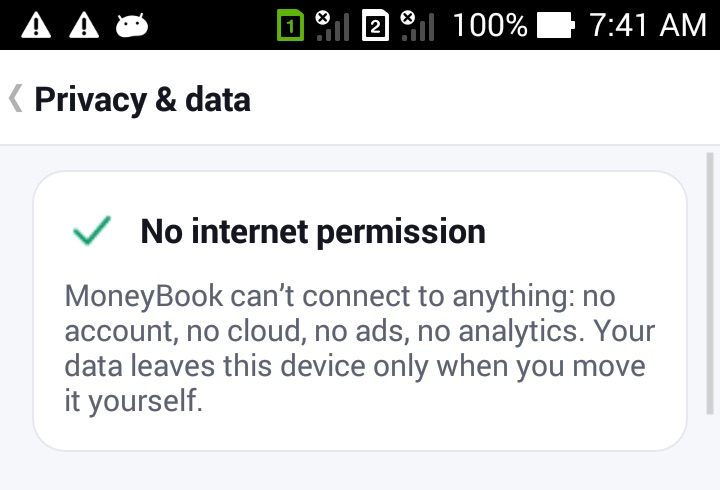
Why MoneyBook works offline, with no account
MoneyBook can't send your money data anywhere, because it has no internet permission at all. Here is why we built it that way and what you get in return.